Mastering · Technical guide
Spotify Loudness Normalization Explained: Ideal LUFS & True Peak for 2026
Louder isn't better on streaming. Here's exactly how Spotify sets playback volume, which numbers matter and how to master so your song sounds its best everywhere.
By DistriBeats Editorial Team ·
1. What LUFS and true peak mean
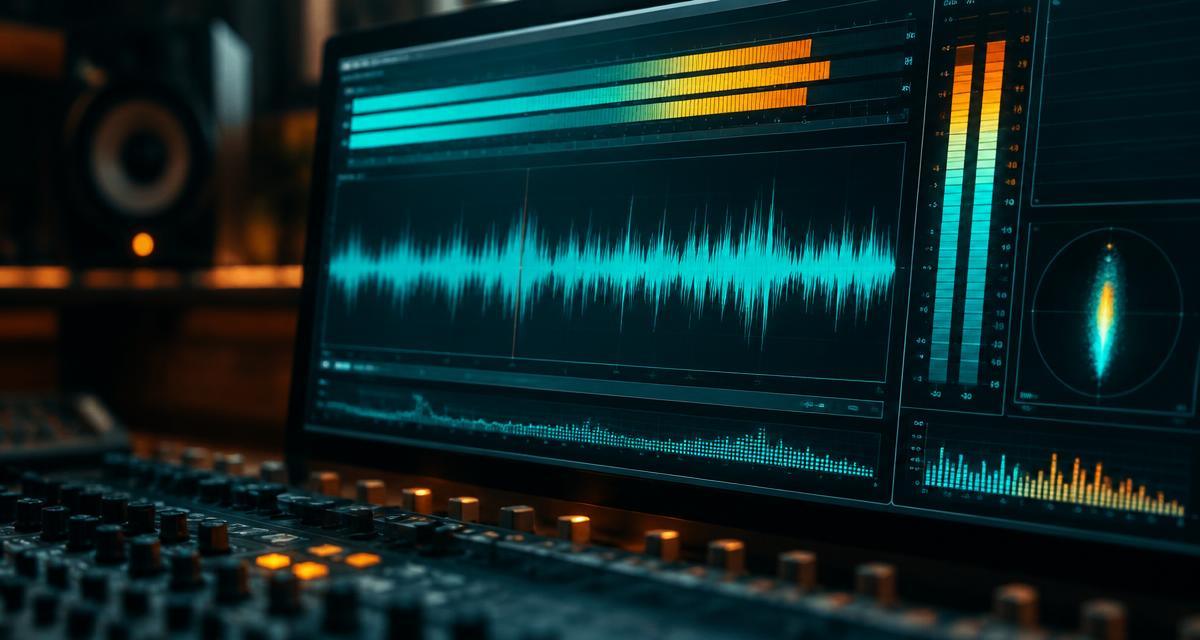
LUFS (Loudness Units relative to Full Scale) measures perceived loudness over time, as defined in ITU-R BS.1770. Integrated LUFS is the average across the whole song — the number streaming services use.
True peak (dBTP) estimates the highest level the waveform reaches between samples after conversion. A file can show peaks under 0 dBFS yet still clip once it's converted to a lossy format for streaming.
2. How Spotify loudness normalization works
Spotify measures each track and adjusts playback so songs sit at a similar volume. Listeners can pick a level in settings: Loud (-11 LUFS), Normal (-14 LUFS, default) or Quiet (-19 LUFS). Albums are normalized as a whole so quiet intros stay quiet relative to the rest. Spotify's loudness guide.
Louder tracks are turned down. Quieter tracks are turned up only as far as their peaks allow, with a limiter used only on the Loud setting.
3. The "loudness penalty" myth
Spotify doesn't reject or punish loud masters. A -7 LUFS master is turned down about 7 dB to match a -14 LUFS song. The cost is sonic: heavy limiting removes punch, so after normalization a crushed master can sound smaller than a dynamic one at the same volume.
4. Loudness targets for every platform
| Platform | Reference loudness | True-peak guidance |
|---|---|---|
| Spotify | -14 LUFS (Normal) | Below -1 dBTP; -2 dBTP if louder than -14 LUFS |
| Apple Music | About -16 LUFS (Sound Check) | Below -1 dBTP |
| YouTube / YouTube Music | About -14 LUFS | Below -1 dBTP |
| Amazon Music | About -14 LUFS | Below -1 dBTP |
| TIDAL | About -14 LUFS | Below -1 dBTP |
Spotify's values are published; others are widely measured approximations and can change. One well-made master works everywhere — you don't need separate versions per store.
5. Practical LUFS targets by genre
| Genre | Typical range | Notes |
|---|---|---|
| Acoustic, classical, jazz | -18 to -14 LUFS | Preserve dynamics |
| Pop, indie, Bollywood | -12 to -9 LUFS | Balance loudness and punch |
| Hip-hop, trap | -10 to -7 LUFS | Watch the low end and true peak |
| EDM, rock, metal | -9 to -6 LUFS | Expect to be turned down on Spotify |
6. Why true peak matters
Streaming services encode your WAV to lossy formats such as Ogg Vorbis and AAC. Encoding can push peaks above 0 dBFS and cause distortion. Spotify recommends -1 dBTP, or -2 dBTP for loud masters, as headroom. See also the AES streaming loudness recommendation (TD1008).
7. How to check and fix your master
- Measure integrated LUFS and true peak over the full song with a BS.1770 loudness meter.
- Compare with a commercial reference track at matched loudness.
- If you're above about -9 LUFS and it sounds flat, back off the limiter 1–2 dB.
- Set a true-peak limiter ceiling at -1 dBTP (or -2 dBTP for loud masters).
- Export a WAV at the original sample rate — never convert an MP3 to WAV.
Short on time? DistriBeats AI Mastering lets you choose a target from -20 to -5 LUFS with a -1 dBTP ceiling, preview 30 seconds free and download the full master for ₹499 / $4.99.
8. Streaming mastering checklist
- Integrated loudness measured over the full song with a BS.1770 meter.
- True peak at or below -1 dBTP (-2 dBTP if louder than -14 LUFS).
- Master compared against a reference track at matched loudness.
- No audible clipping or pumping in the loudest section.
- Exported as 16- or 24-bit WAV at 44.1 kHz or higher — no MP3 upsampling.
- Same master used for all stores; no separate quiet/loud versions needed.
9. Frequently asked questions
What LUFS should I master to for Spotify?
Spotify normalizes to -14 LUFS integrated by default. You don't have to master exactly there; many genres sit between -14 and -9 LUFS. Louder tracks are simply turned down, so choose the loudness that sounds best for the song.
What true peak should I use for Spotify?
Spotify recommends keeping true peak below -1 dBTP, and below -2 dBTP if your master is louder than -14 LUFS, so lossy encoding doesn't add distortion.
Does Spotify penalize loud masters?
Spotify doesn't penalize loud masters; it lowers their playback volume to match other tracks. The real cost is that heavily limited masters can sound flatter and less punchy than dynamic ones at the same playback level.
Does Spotify turn up quiet songs?
Yes, on the default setting quiet tracks are raised, but only as far as their peaks allow without clipping. On the Loud setting Spotify applies a limiter. A very quiet, peaky master may play quieter than others.
What is the Apple Music loudness target?
Apple Music's Sound Check normalizes to around -16 LUFS. YouTube and Amazon Music are typically around -14 LUFS.
Is -14 LUFS too quiet for hip-hop or EDM?
Many hip-hop, EDM and rock masters are delivered between -10 and -7 LUFS for impact and will be turned down on Spotify. That's acceptable if the master still sounds good after normalization; avoid crushing dynamics just to win a loudness contest.
Can DistriBeats master my track to the right LUFS?
Yes. DistriBeats AI Mastering lets you pick a target from -20 to -5 LUFS with a -1 dBTP true-peak ceiling, preview 30 seconds free and download the full master for ₹499 / $4.99.
Get a streaming-ready master in minutes
Pick your LUFS target, hear a free preview and release to 150+ stores.
Try AI Mastering